
Install the MT5 Robot
Download the robot
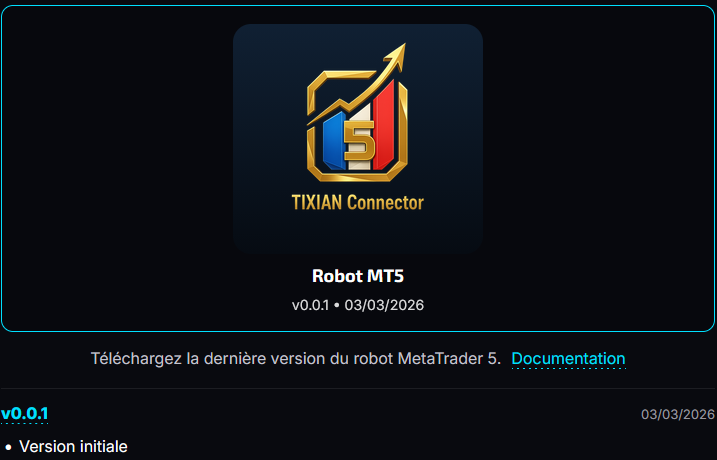
Open Downloads, find the MT5 robot card, then download the latest available version. The expected user-side file is TV2MT5_WS.ex5.
Install the robot in MT5
- Open MetaTrader 5
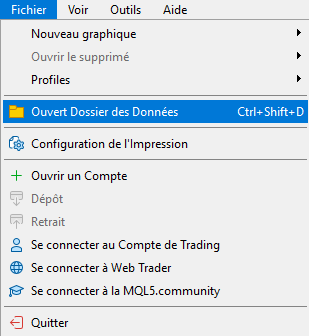
- Click File, then Open Data Folder
- Open the
MQL5folder - Open the
Expertsfolder
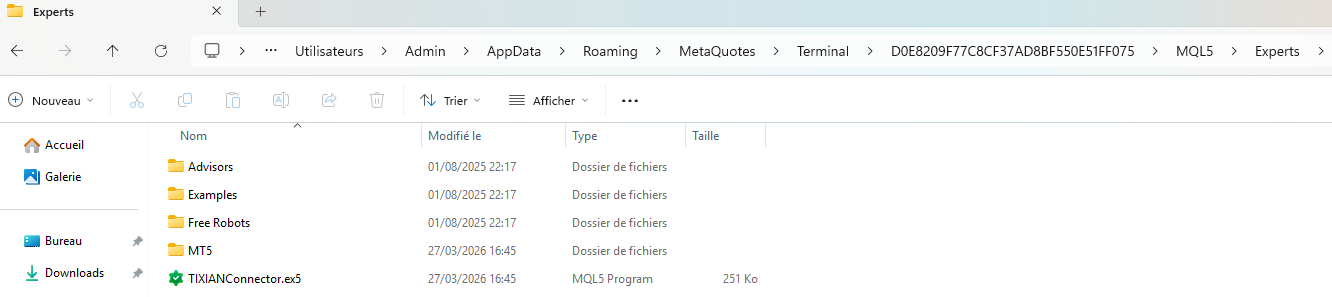
- Copy
TV2MT5_WS.ex5into this folder - Go back to MetaTrader 5
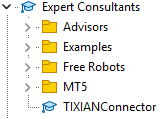
- In the Expert Advisors panel, right-click then click Refresh
Attach the robot to a chart
- Open a chart in MetaTrader 5
- Drag the robot onto the chart
- Review the proposed settings in the installation window
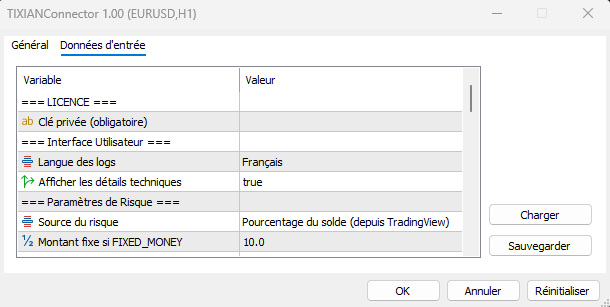
- Click OK
- Enable Algo Trading
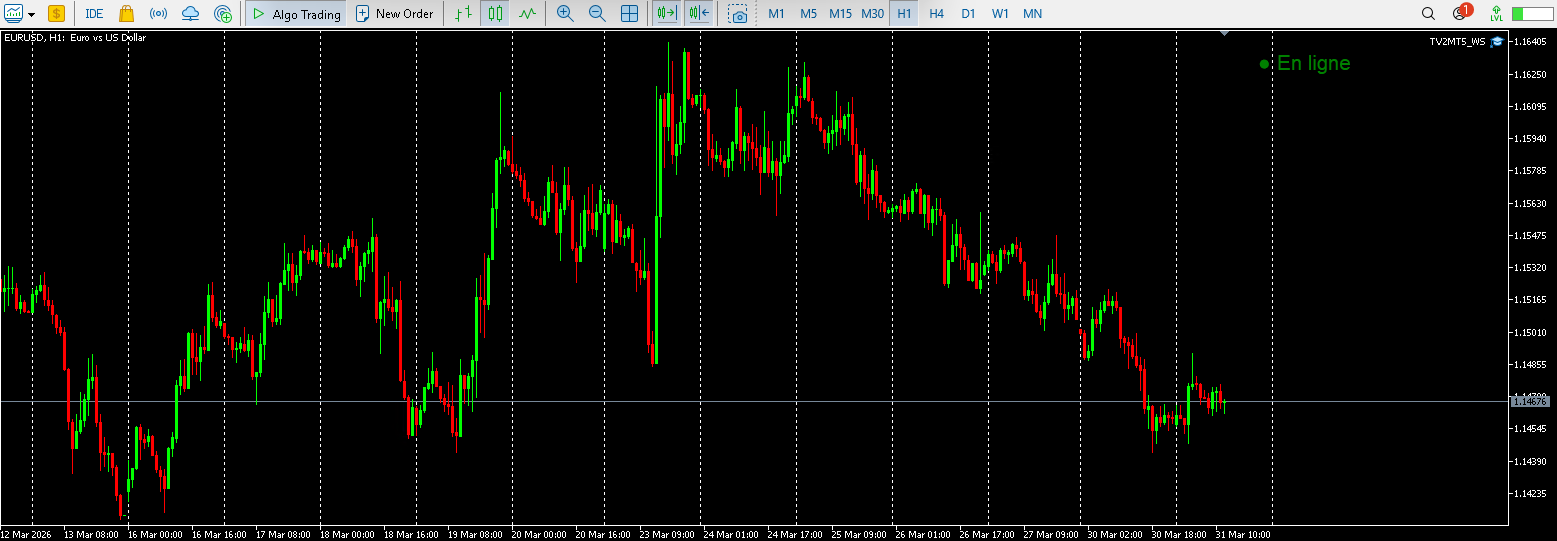
Note: the chart must stay open. If MT5 or the chart is closed, the robot will stop receiving signals.
Check that the robot is connected
Open the Experts tab in MetaTrader 5. You should see messages showing that connection and authentication succeeded.
- connection established
- authentication in progress
- authentication successful
- robot ready to receive orders

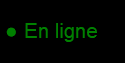
A visual indicator may also appear on the chart:
- green: connected and ready
- yellow: connecting
- orange: authenticating
- red: disconnected
Important
Warning: if you close MetaTrader 5, close the chart, or let your computer sleep, the robot stops receiving signals.
For continuous operation, keep MT5 open at all times or use a VPS.