
Install the MT4 Robot
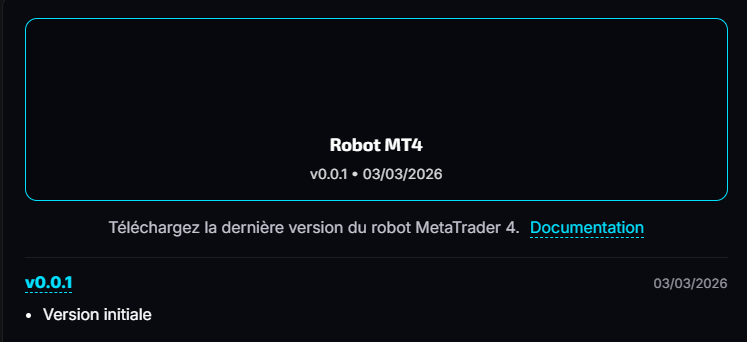
Download the robot
Open Downloads, find the MT4 robot card, then download the latest available version.
Install the robot in MT4
- Open MetaTrader 4
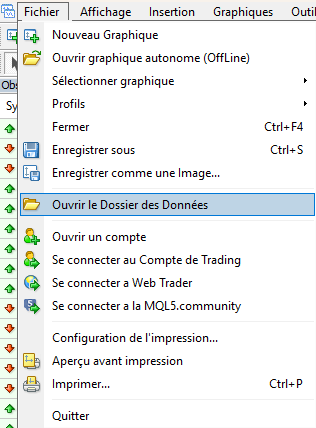
- Click File, then Open Data Folder
- Open the
MQL4folder - Open the
Expertsfolder
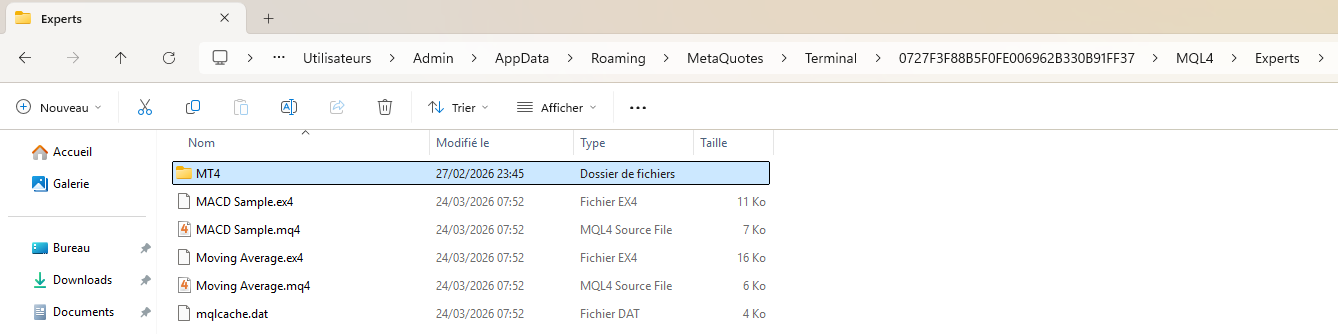
- Copy the robot file into this folder
- Go back to MetaTrader 4
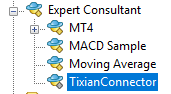
- In the Expert Advisors panel, right-click then click Refresh
Attach the robot to a chart
- Open a chart in MetaTrader 4
- Drag the robot onto the chart
- Review the proposed settings in the installation window
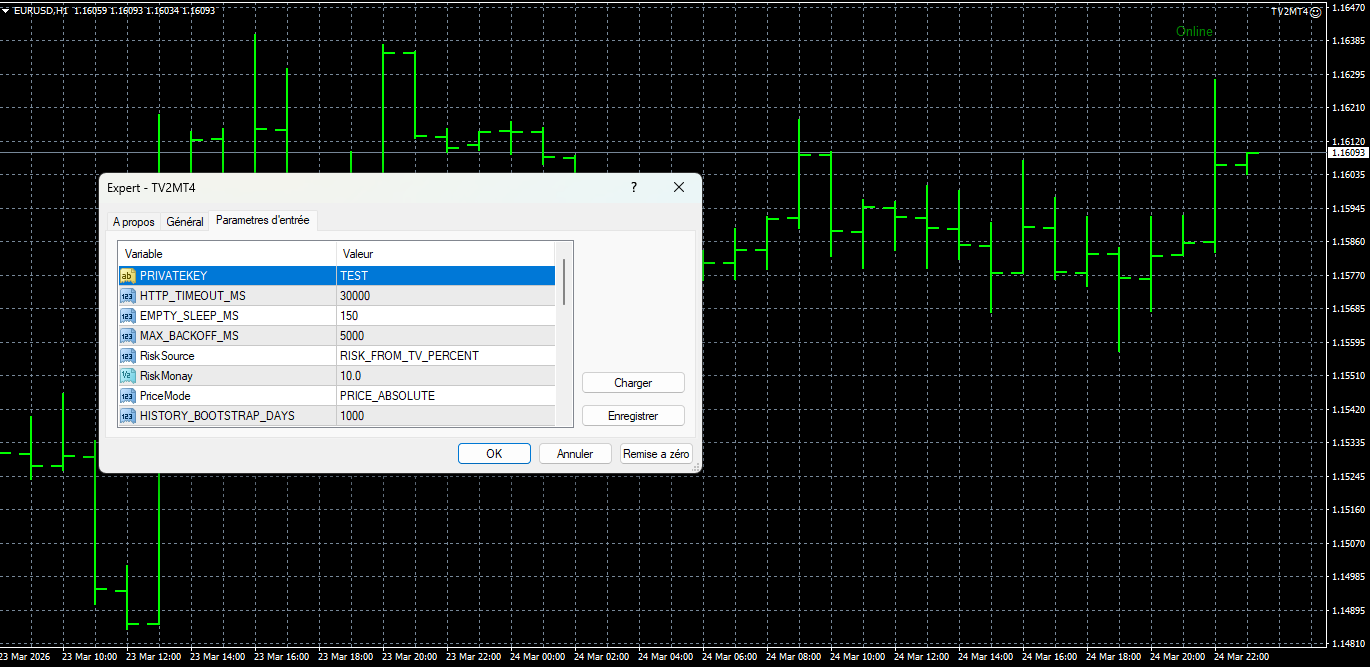
- Click OK
- Enable AutoTrading

Note: the chart must stay open. If MT4 or the chart is closed, the robot will stop receiving signals.
User-side settings
The exact source of the MT4 robot is not present in this workspace. The parameter names may therefore vary depending on the downloaded version.
In all cases, first check:
- the private key if requested
- the risk mode if a choice is available
- the price mode if a choice is available
- that automated trading is enabled
Beginner advice: if you do not recognize a setting, keep the default value unless support gave you a specific instruction.
Important
Important: if you close MetaTrader 4, close the chart, or let your computer sleep, the robot stops receiving signals.
For continuous operation, keep MT4 open at all times or use a VPS.